Work on a project
Navigate files, search across a project, inspect diagnostics, run a terminal, and review or stage Git changes with Ksawery.
Manage repository changesProgrammable Text Editor
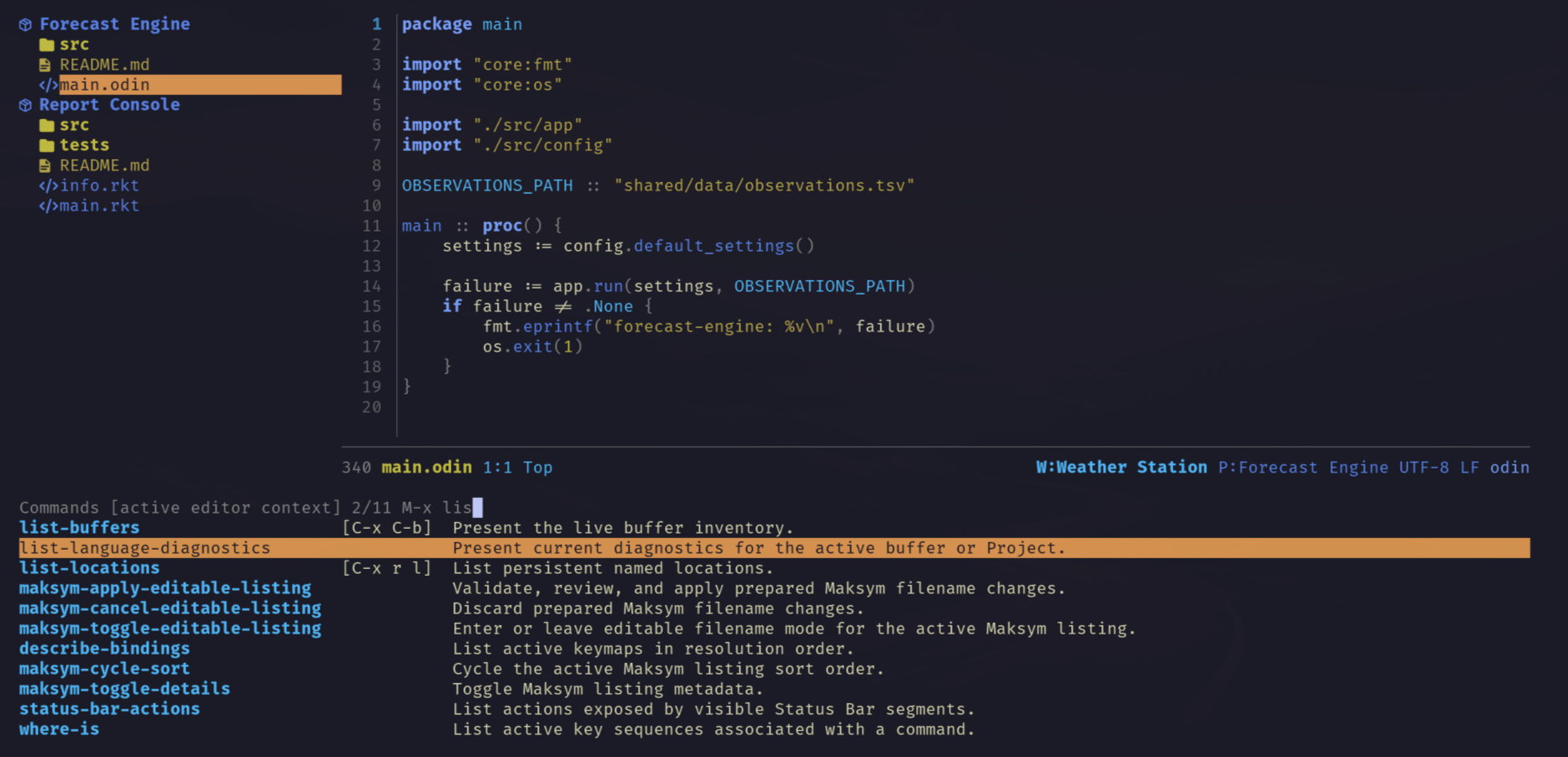
Odin powers the editor core. An embedded Racket runtime provides commands and configuration.

01
Odin owns the editor's text and state, while embedded Racket makes it programmable. Modules add file management, Git workflows, and Org editing.
02
Edit code, work with structured documents, manage repository changes, and build personal tools in one terminal interface. Follow each workflow in the User Guide.
03
Start with a project, a document, or a command of your own. Follow a complete workflow in the User Guide.
Navigate files, search across a project, inspect diagnostics, run a terminal, and review or stage Git changes with Ksawery.
Manage repository changesUse Jan to work with Org outlines, tasks, agendas, tables, source blocks, and export. Add Roman to connect personal notes through links, references, and daily entries.
Write commands in Racket, bind them to keys, and reload them during a session. Add packages, language support, and agent tools from catalogs.